8 Bulk SMS Example Messages for Ecommerce in 2026
It's late afternoon, your Shopify sale is nearly ready, and the SMS campaign still has an empty text box. You know the offer. What's harder is deciding who should receive it, when to send it, and how to avoid texting customers who just bought.
A copy-ready bulk SMS example saves time only if it comes with those decisions. A flash sale needs a real deadline. A cart reminder needs purchase suppression. A shipping update needs accurate tracking, not an extra discount squeezed into an operational message.
The examples below cover promotions, launches, abandoned carts, restocks, and customer updates. Each includes adaptable wording plus the trigger, timing, segment, and measurement method needed to run it. Treat bracketed fields as placeholders, and test every personalized message before scheduling.
Bulk doesn't have to mean indiscriminate. You can reach a large audience while keeping eligibility specific to a product, customer event, or purchase history. The practical difference is whether shoppers have a clear reason to welcome your text.
If you use a writing assistant to develop variants, The SEO Agent's model comparison offers a reference for choosing a drafting tool. Keep the final decisions about offers, consent, inventory, and customer eligibility with your team. Better wording can't rescue the wrong audience.
Table of Contents
- 1. Flash Sale Announcement with Urgency
- 2. Abandoned Cart Recovery Reminder
- 3. Back-in-Stock Alert
- 4. Shipping and Delivery Updates
- 5. VIP Early Access to a New Collection
- 6. New Arrival Product Drop
- 7. Win-Back Campaign for Lapsed Customers
- 8. Birthday or Loyalty Reward Message
- Bulk SMS Example Types Compared by Goal, Timing, and Audience
- Turn These Bulk SMS Examples Into Your Next Revenue Campaign
1. Flash Sale Announcement with Urgency
A flash sale works best when the deadline is genuine and the offer is easy to understand. Don't combine competing discounts, exclusions, and product recommendations in the same text.
Copy-ready message
[Brand]: Today only, save on our bestsellers with code [Code]. Offer ends [Time and Time Zone]. Shop: [Offer Link]. Reply STOP to opt out.
Set the deadline before scheduling
- Trigger: Schedule the campaign when the Shopify discount and sale collection are live.
- Timing: Start with mid-morning or early afternoon in the recipient's local time, subject to applicable quiet-hour requirements.
- Segment: Target opted-in subscribers who engage with the featured category. Separate repeat buyers from subscribers who haven't purchased.
- Measurement: Use a campaign-specific discount code and tracked destination. Compare revenue per recipient, contribution margin, and unsubscribes.
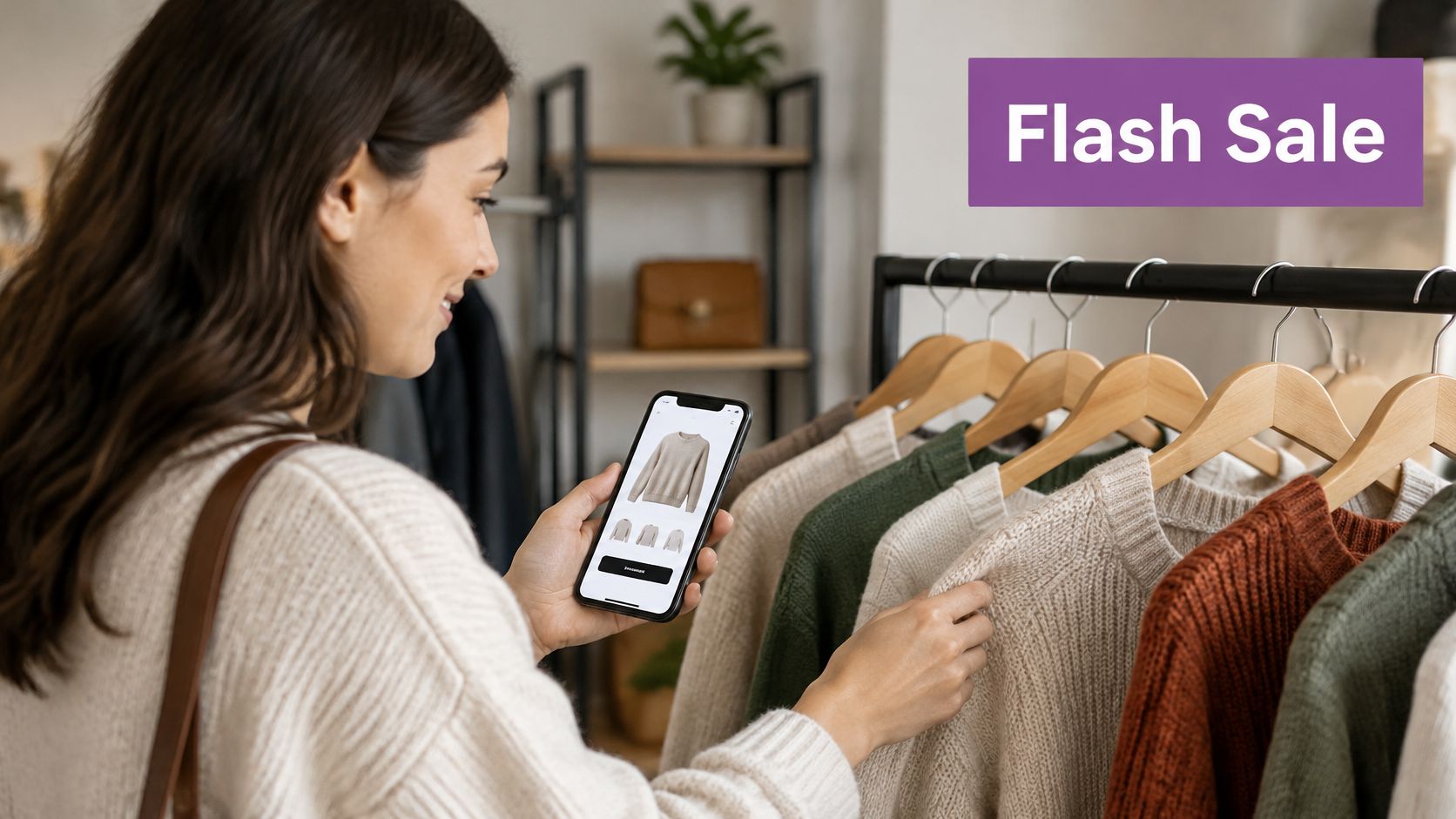
Say your apparel store discounts knitwear. Send sweater buyers a collection-led message, but give newer subscribers a short introduction to the bestselling styles. Exclude shoppers who recently purchased the featured items unless you're comfortable explaining the price difference.
The speed of SMS makes deadlines useful: GSMA reporting citing MobileSquared describes A2P SMS as approaching a 98% open rate, with an average of 90% of messages opened within three minutes. Those industry figures aren't a promise of campaign performance or a substitute for purchase measurement.
Practical rule: Use urgency to explain a real buying window, not to manufacture anxiety.
Keep flash sales occasional rather than making every message a final chance. Preview the rendered text and billed segment count after inserting names, links, and opt-out wording. Short copy is useful, but removing essential terms to make it shorter isn't.
2. Abandoned Cart Recovery Reminder
A shopper leaves a pair of boots in checkout with the size already selected. The first text should put them back in that cart. A homepage link makes them search again, and an early discount spends margin you may not need to spend.
Initial reminder
[Brand]: Hi [First Name], your [Product] is still in your cart. Continue checkout: [Cart Link]. Need help? Reply to us. Reply STOP to opt out.
Later follow-up
[Brand]: Still considering [Product]? Your cart is saved, and [Eligible Shipping Offer] is available: [Cart Link]. Reply STOP to opt out.
Trigger: Start from checkout abandonment only after you can identify the shopper and confirm SMS permission for this purpose. Stop the sequence the moment the order is placed, and recheck purchase status, product availability, and opt-out status immediately before every send, not only when the shopper enters the flow.
Timing: For a first test, send the initial reminder about an hour after abandonment, then one follow-up the next day. An hour keeps the size and cart intact while the session is still familiar. Waiting until the next day avoids a second text while the shopper is still browsing. Treat both delays as operating choices, not performance benchmarks.
Segment: Include only contacts with appropriate SMS permission. Exclude completed purchasers, unsubscribed numbers, carts with unavailable products, and shoppers already in another recovery sequence.
Measurement: Report recovered orders and revenue on their own, then subtract the discount and the message cost. A recovered order that only exists because of a deep offer can look strong on revenue and weak on margin.
For U.S. stores, entering a phone number at checkout does not by itself authorize promotional texts. Use a separate, unchecked marketing consent box that names the business. Keep the signup wording, timestamp, source, number, and authorized purpose with each subscriber record.
Hold any incentive for the later message, and check margin before you attach it. An offer on the first text trains people to abandon. No offer at all can leave a recoverable cart sitting overnight. Preserve the selected size in the cart link so the shopper does not rebuild the order.
This walkthrough shows the recovery setup from trigger through the later follow-up.
3. Back-in-Stock Alert
A restock alert has a stronger reason to exist than a generic product promotion: the shopper already wanted something unavailable. Keep the message tied to the exact variant, not just the product family.
Requested-restock message
[Brand]: Good news, [First Name]. [Product] in [Size/Color] is back in stock. View your selection: [Product Link]. Reply STOP to opt out.
Broader promotional alternative
[Brand]: [Product] in [Color] is available again. Explore the restock: [Product Link]. Reply STOP to opt out.
Match the audience to available stock
Trigger: Start when sellable inventory becomes available for the requested variant. Don't trigger from an incoming purchase order or inventory that hasn't cleared receiving.
Timing and segment: Notify shoppers who explicitly requested that variant first. Expand to opted-in category viewers only after checking remaining inventory, and don't imply that viewers requested an alert when they didn't.
Measurement: Track purchases of the restocked variant, revenue per recipient, unsubscribes, and clicks that land on unavailable inventory. The last measure helps identify a campaign that attracted interest but disappointed shoppers.
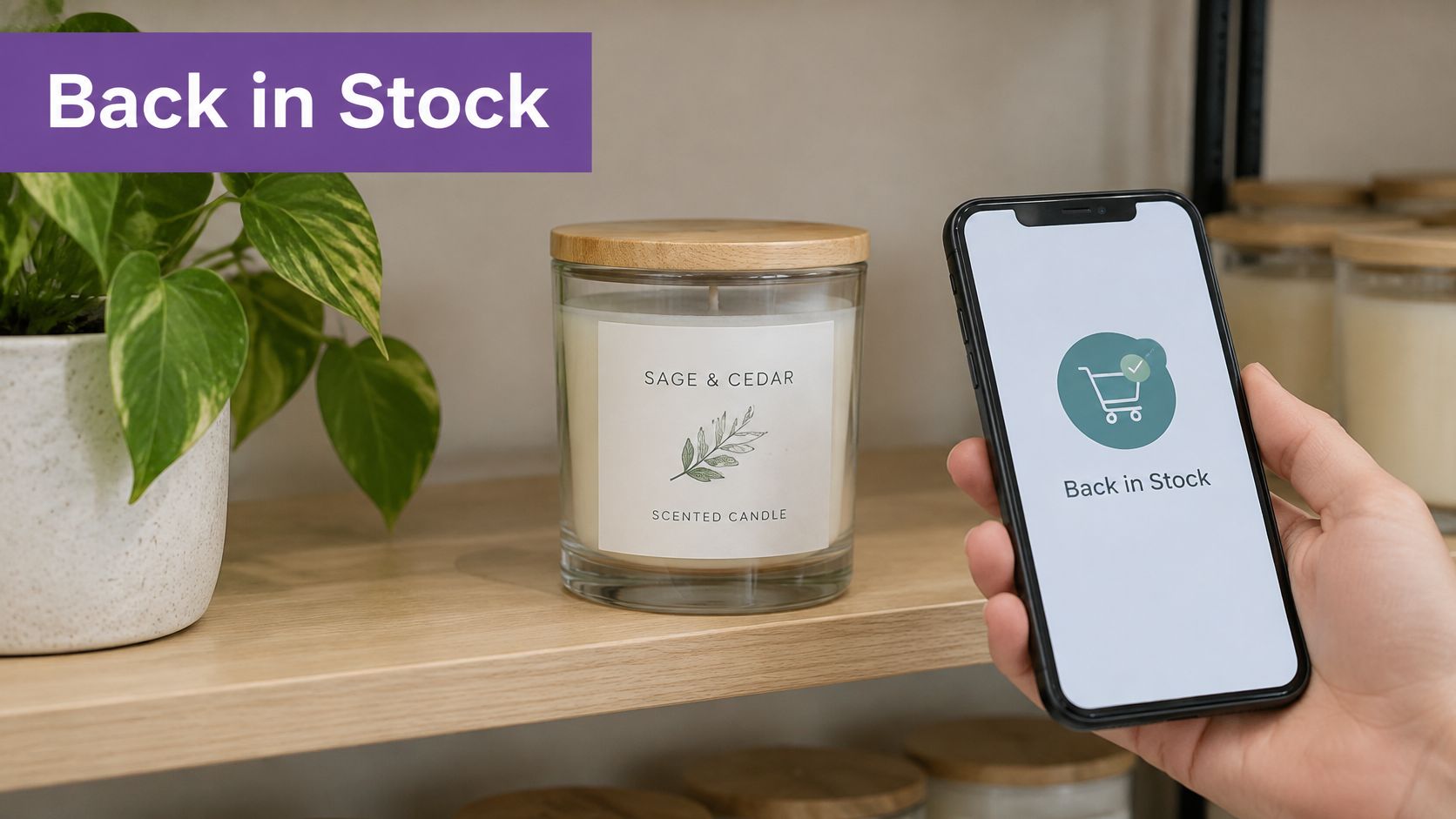
Say your candle store restocks a popular scent in different vessel sizes. Someone waiting for the large jar shouldn't receive a message that resolves to the small jar by default. Test the variant link on mobile before releasing the audience.
Follow the back-in-stock notification setup guidance to connect the signup experience, inventory event, and message destination.
Don't say stock is limited unless your available inventory supports the claim. A straightforward restock message is useful without manufactured scarcity.
Suppress customers who already bought after requesting the alert. Also make the signup promise specific: a product-restock request shouldn't become permission for unrelated recurring promotions.
4. Shipping and Delivery Updates
Shipping texts should answer a customer's immediate question: Where's my order? Keep them factual, recognizable, and separate from promotional broadcasts.
Shipment confirmation
[Brand]: Your order #[Order Number] has shipped. Track its progress: [Tracking Link]. Reply HELP for support.
Delivery confirmation
[Brand]: Order #[Order Number] is marked delivered. Check the delivery details: [Tracking Link]. Need help finding it? Reply HELP.
Use fulfillment events, not assumptions
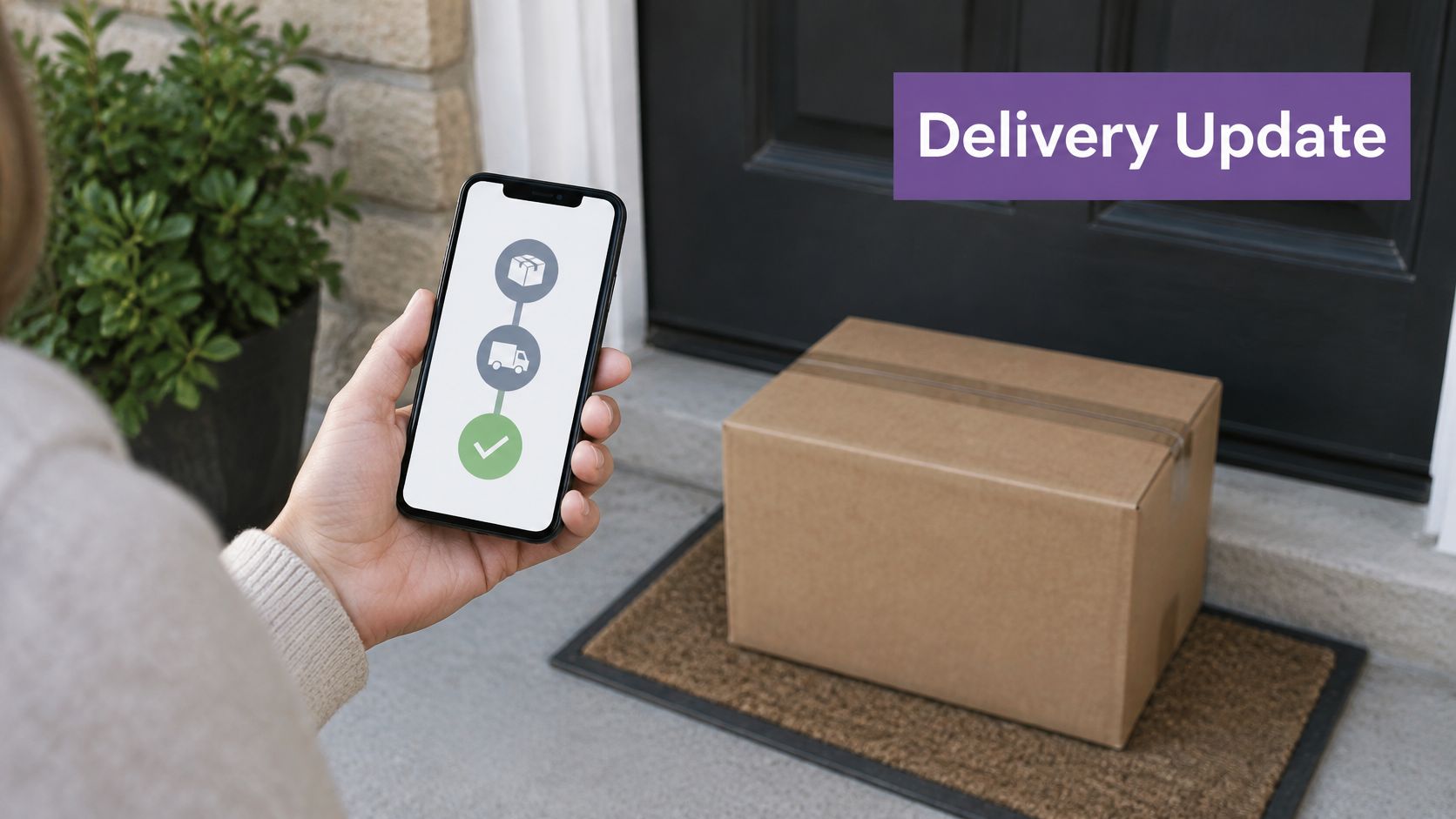
- Trigger: Send from the relevant fulfillment or carrier event. Don't describe an order as shipped merely because a label exists.
- Timing: Release updates after the status is confirmed, while respecting applicable messaging requirements.
- Segment: Include customers authorized to receive that order's operational updates. Suppress duplicate events.
- Measurement: Monitor successful delivery, tracking-link usage, duplicate sends, and shipping-related support contacts.
Trust matters here. In a Consumer Reports study released in 2025, 30% of Americans who experienced a cyberattack or digital scam said it began through a text message or messaging app. Identify the brand and order, and use a consistent, recognizable tracking destination.
For a skincare order, the shipped message should lead directly to tracking. Don't add an unrelated serum offer, especially when the customer authorized only order updates.
A review request belongs in a separate workflow after customers have had time to receive and use the product. Start with a delay of a few days after confirmed delivery, then adjust for the product's use cycle and applicable consent requirements.
Use the SMS delivery notifications guide to map status events and support routing. Test HELP handling as carefully as the tracking link. A support instruction is only useful if someone can respond.
5. VIP Early Access to a New Collection
Exclusive access needs to be reserved. If anyone can buy from the public collection page, don't tell loyal customers they're receiving a private shopping window.
Copy-ready message
[Brand]: [First Name], your VIP access to [Collection] is open before the public launch. Preview and shop: [Private Collection Link]. Reply STOP to opt out.
Define VIP before writing the message
Build the segment from a defensible rule: repeat purchases, total spend, loyalty status, or sustained engagement. Avoid manually adding everyone because you want a bigger launch result.
Set the trigger to the private collection becoming accessible and tested. Send during the recipient's permitted local daytime window, with enough shopping time before public access begins. Exclude unsubscribed customers and anyone who has already purchased the featured launch.
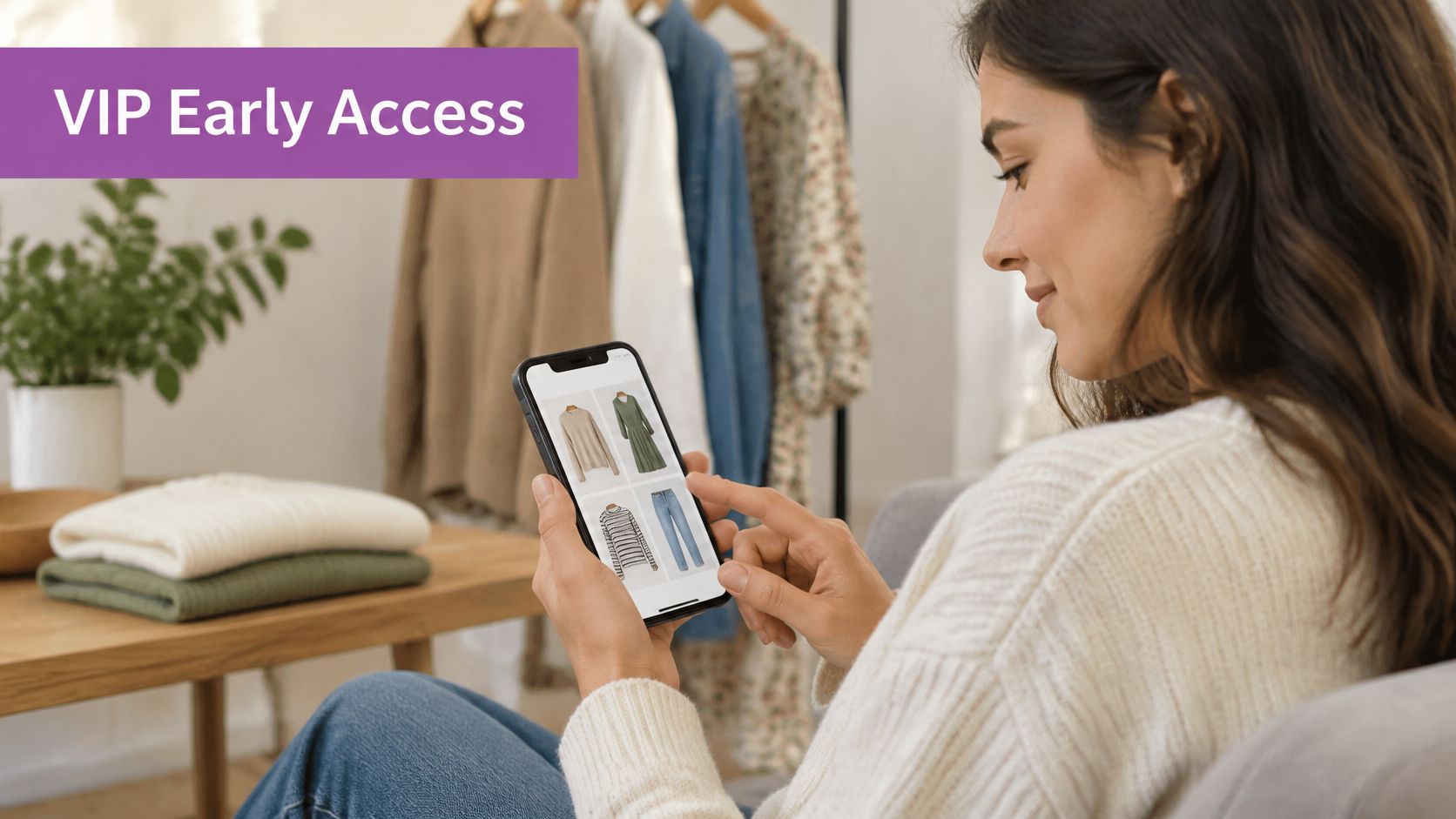
For a DTC clothing brand, this might mean inviting repeat dress buyers to preview a new occasionwear collection. A relevant perk, such as eligible free shipping, can support the offer without turning every loyalty message into a discount.
- Measure audience response: Compare purchase rate and revenue per recipient with your broader launch campaign.
- Measure profitability: Include perk costs, discounts, returns, and message costs.
- Measure incremental value: Use a comparable eligible holdout where feasible, rather than assuming loyal customers bought because of the text.
In SlickText's SMS marketing benchmarks, retail and ecommerce campaigns had a 6.8% median click-through rate. That's a directional reference for clicks, not a VIP conversion target or proof of incremental revenue.
Operator's judgment: Reward loyalty with useful access. Don't make customers spend time decoding whether the benefit is real.
Keep these invitations selective. Send a distinct public launch message afterward so the rest of your opted-in audience can shop without receiving misleading VIP language.
6. New Arrival Product Drop
New products give returning shoppers a reason to revisit, but category relevance should decide who hears about them. Someone who buys fragrance doesn't automatically want every skincare launch.
Collection-led message
[Brand]: New in, [Category] designed for [Relevant Benefit]. Explore the latest arrivals: [Collection Link]. Reply STOP to opt out.
Product-led alternative
[Brand]: Meet [Product], our new [Brief Product Detail]. See the details and available options: [Product Link]. Reply STOP to opt out.
Choose between a broadcast and a preference prompt
For a straightforward launch, use publication of the ready-to-buy collection as the trigger. Schedule after product pages, inventory, images, pricing, and mobile checkout have passed testing. Target opted-in subscribers with relevant category purchases, browsing interest, or declared preferences.
For example, a skincare store introducing serums could send previous serum buyers the collection link while excluding subscribers who requested only body-care updates. Don't force every new item into one text. Link to a curated collection when shoppers need to compare options.
An interactive alternative is a preference question:
[Brand]: Which arrivals interest you most, [Category A] or [Category B]? Reply with your preference. Reply STOP to opt out.
The Ocean Conservancy Trivia Tuesday case study reported an average 55.38% reply rate among approximately 10,700 subscribers. That's a case-specific nonprofit result, not an ecommerce forecast, but it illustrates a reply-based campaign format.
For link campaigns, measure clicks, purchases, revenue per recipient, and unsubscribes by category. For preference prompts, track replies and subsequent purchases separately. Don't equate a reply with buying intent.
Maintain a predictable launch rhythm, but let relevance override the calendar. Skip the send when the new assortment doesn't match the segment, and apply an account-wide frequency cap so overlapping campaigns don't crowd the same subscriber.
7. Win-Back Campaign for Lapsed Customers
A customer who hasn't reordered may be inactive, fully stocked, or buying on a longer cycle. Define lapsed status around the product, not a convenient calendar filter.
For replenishable products, use the expected reorder interval as your starting point. For durable goods, consider complementary categories or declared interests instead of repeatedly asking customers to repurchase something they still own.
Return-purchase message
[Brand]: Hi [First Name], ready to revisit [Category]? Enjoy [Eligible Offer] with code [Code]: [Collection Link]. Reply STOP to opt out.
Preference-confirmation alternative
[Brand]: Still interested in updates about [Category]? Reply YES to keep receiving these offers. Reply STOP to opt out.
Build a controlled reactivation sequence
- Trigger: The customer crosses your category-specific inactivity threshold without an order or qualifying engagement.
- Timing: Send during permitted local daytime hours. Space follow-ups so customers can act before another reminder arrives.
- Segment: Include previously opted-in customers with relevant purchase history. Exclude open complaints, unresolved returns, recent purchasers, and revoked consent.
- Measurement: Track reactivation rate, revenue per recipient, margin after incentives, and unsubscribes across the complete sequence.
Say a coffee subscription customer stopped ordering after buying a large bundle. A reorder reminder makes more sense after their likely supply runs low than immediately after your standard inactivity cutoff.
Keep consent evidence accessible. 10DLC opt-in guidance recommends recording the acquisition method, consent wording and action, authorized campaign or use case, phone number, and applicable signup information. A historical order record alone doesn't establish current marketing permission.
Know when to stop
Suppress contacts who don't respond after the planned sequence rather than moving them into endless promotions. Retain suppression and consent records under your retention policy.
Don't promise to stop messaging and then send another sale announcement. A win-back campaign should establish whether there's still useful interest, not create a permanent discount loop.
8. Birthday or Loyalty Reward Message
Personalization should recognize a customer without revealing more information than necessary. A birthday greeting doesn't need an age, birth year, or other sensitive detail.
Birthday reward
[Brand]: Happy birthday, [First Name]! Your birthday reward is ready. Use [Code] by [Expiry Date]: [Reward Link]. Reply STOP to opt out.
Loyalty milestone
[Brand]: Thanks for being part of our community, [First Name]. Your [Loyalty Tier] reward is available: [Reward Link]. Reply STOP to opt out.
Trigger the reward from dependable profile data
Ask for birthday information as an optional field, and explain that it helps you send a birthday benefit. If the benefit only requires a month and day, don't collect a birth year unnecessarily.
Use the recorded birthday or verified loyalty milestone as the trigger. Schedule the message at the start of the reward window during permitted local hours. A reward window of about a week or longer is a reasonable starting setup, provided your checkout rules and message expiry agree.
The segment should include eligible opted-in customers with valid profile information and an unused reward. Add fallback text for missing names, and prevent duplicate sends when profiles merge or loyalty data syncs again.
For example, a beauty store could send a birthday code valid on eligible products while excluding subscriptions and gift cards. Make those exclusions visible on the destination page before the customer starts shopping.
- Measure redemption: Track used rewards against eligible recipients, not merely clicks.
- Measure economics: Include discount cost and margin on the resulting basket.
- Measure retention: Compare later repeat purchasing with a comparable eligible group that didn't receive the reward.
Connect the workflow to broader customer retention strategies, rather than judging it only on immediate sales. Keep the reward budget predictable and the redemption process simple. A thoughtful greeting loses its value when the code fails or the customer discovers hidden conditions at checkout.
Bulk SMS Example Types Compared by Goal, Timing, and Audience
| Item | Primary Goal | Send Timing | Best Audience | Typical Trigger |
|---|---|---|---|---|
| Flash Sale Announcement with Urgency | Drive sales during a limited-time offer | During a sale window that expires within hours | Opted-in subscribers, such as recent buyers or engaged shoppers | Scheduled sale or seasonal promotion |
| Abandoned Cart Recovery Reminder | Recover sales from shoppers who left items in their cart | 30–60 minutes after abandonment, with follow-ups over 24–48 hours | Shoppers who abandoned a cart or checkout and consented to SMS | Cart or checkout abandonment |
| Back-in-Stock Alert | Convert demand for previously unavailable products | When the product or requested variant is restocked | Subscribers interested in a specific product | Inventory change or restock request |
| Shipping and Delivery Updates | Keep customers informed and reduce order-status questions | At shipping, out-for-delivery, and delivery milestones | Customers with an active order | Shopify fulfillment or delivery event |
| VIP Early Access to a New Collection | Reward loyal customers and encourage early purchases | Before the public launch or sale | VIPs, repeat buyers, or highly engaged subscribers | Upcoming collection launch or sale |
| New Arrival Product Drop | Drive visits and purchases for newly added products | When new products or a collection launch | Subscribers interested in the relevant category | New products added to the store |
| Win-Back Campaign for Lapsed Customers | Reactivate past customers and encourage a return purchase | After a defined inactive period, such as 90–180 days | Customers who have not purchased or engaged recently | Time since last purchase or engagement |
| Birthday or Loyalty Reward Message | Build loyalty and encourage purchases with a personal reward | On a birthday, brand anniversary, or loyalty milestone | Customers with relevant profile or loyalty data | Birthday, signup anniversary, or loyalty milestone |
Turn These Bulk SMS Examples Into Your Next Revenue Campaign
Start with a flow that already has demand behind it, such as abandoned cart recovery or back-in-stock alerts. Those events give you a specific customer need, a relevant destination, and a clear suppression rule. Add a broader promotional send after your consent records and audience segments are dependable.
Don't activate every example at once. Choose a customer event, write the eligibility rule, and decide what ends the sequence before building the message. A completed purchase, revoked permission, unavailable variant, or resolved delivery event should change what happens next.
Launch with clear operating rules
- Document eligibility: Record the event, required consent, exclusions, and destination.
- Coordinate frequency: Apply a shared cap across broadcasts and automations so separate workflows don't overwhelm the same person.
- Test the rendered message: Check names, fallbacks, offer terms, links, mobile pages, and billed segments.
- Define success before sending: Choose a revenue and margin measure, then monitor opt-outs and support replies alongside it.
Test a single variable at a time. Keep the audience and offer stable while comparing message wording, or keep the wording stable while testing timing. If you change the segment, discount, destination, and send time together, you won't know which decision helped.
Use revenue per recipient to compare commercial performance, but don't stop there. Subtract messaging costs and incentives, account for returns, and distinguish attributed revenue from incremental revenue. A customer who was already returning to checkout may use your SMS link without the message causing the purchase.
Where practical, maintain a comparable holdout group that doesn't receive the campaign. Judge results over an appropriate purchase window, and watch whether the campaign encourages useful repeat buying or merely trains customers to wait for a code.
Keep the first test affordable and contained
We offer a 14-day free trial and a pay-as-you-go option with no monthly app fee on top of message costs. That gives you a way to test an eligible segment and a focused workflow before expanding your SMS program.
The strongest bulk SMS example isn't necessarily the cleverest line. It's the message sent for a clear reason, to someone who agreed to receive it, with a working destination and an honest offer. Get those operating details right, then refine the copy from actual customer response.
YipSMS Inc. offers Shopify bulk messaging, scheduled campaigns, and prebuilt automations for workflows such as cart recovery and customer updates. Visit YipSMS Inc. to start your trial, adapt a message above, and launch a focused campaign with clear eligibility and revenue tracking.
How this article was made: the YIPSMS team drafts some articles with AI writing tools, then checks pricing, compliance and product details against how YIPSMS actually works before publishing. Spotted something wrong? Tell us through your YIPSMS account.