How to Send a Test Text Message for Shopify Success
You've written the campaign, checked the offer, and watched the preview inside your Shopify app. Then you send it to your own phone and see a broken personalization field, an unclickable cart link, or an opt-out instruction that never reaches the message. Worse, the number you used may not have valid consent, so your “test” has created the same compliance exposure as a live promotion.
To send a test text message safely, treat it as a delivery, content, automation, and consent check, not as a quick preview. The phone screen is only the final stage. Your test should also prove that the correct audience is selected, the gateway reports delivery properly, and replies such as STOP trigger suppression.
Table of Contents
- Why Sending a Test Text Message Is Critical for Ecommerce
- Step-by-Step Guide to Sending Your First Test SMS
- Verifying Deliverability and Message Quality
- The Hidden Risks of Informal Test Messaging
- Pre-Send Checklist for SMS Campaigns
- Testing Reply Handling and Opt-Out Logic
- Building Confidence for Scale with SMS
Why Sending a Test Text Message Is Critical for Ecommerce
A Shopify merchant once sent a cart-recovery message to what looked like an internal test segment. The message arrived, but the dynamic product name was blank and the return-to-cart URL opened the store homepage instead of the saved checkout. The test had technically succeeded, yet it failed at the point customers actually cared about.
That's the danger of treating a test as a visual exercise. A message can appear in your dashboard as accepted while the recipient sees a truncated sentence, the wrong sender identity, a malformed link, or an offer sent to someone who never consented to marketing SMS.
A test is a safety gate, not a preview
SMS is a direct channel. Customers notice mistakes immediately because the message appears in a personal inbox rather than on a web page they chose to visit. A rigorous test should validate:
- Content rendering: Check the brand name, personalization values, punctuation, links, emojis, and any promotional conditions.
- Audience logic: Confirm that the test number belongs to the intended subscription category and isn't accidentally included in a production segment.
- Delivery status: Separate gateway acceptance from confirmed handset delivery.
- Reply behavior: Verify that STOP and HELP reach the system and produce the expected actions.
- Timing controls: Check that automations respect the intended sending window and recipient context.
SMS also has a structural constraint that can change the customer experience. The original design supported 160 seven-bit characters, while messages using wider encoding, including many non-Latin characters and emojis, can support as few as 70 characters in a single segment. The history and technical explanation are documented by NPR's account of SMS character limits. One emoji can therefore change segmentation, display, and potentially cost.
Practical rule: Send the test through the same route, subscription type, automation logic, and message template that production customers will use.
This discipline matters as your store grows across email, social, web, and messaging. Guidance on growing SMB ecommerce across channels can help frame SMS as one part of a broader customer journey, but the channel still needs its own quality controls. A polished email campaign doesn't prove that a text message is compliant or deliverable.
Step-by-Step Guide to Sending Your First Test SMS
Start with a controlled number that has explicitly opted into the relevant SMS category. An employee's phone can work, but only if the number is documented as an approved test recipient and excluded from broad customer segments. Don't borrow a friend's number just because it's convenient.
Set up the message safely
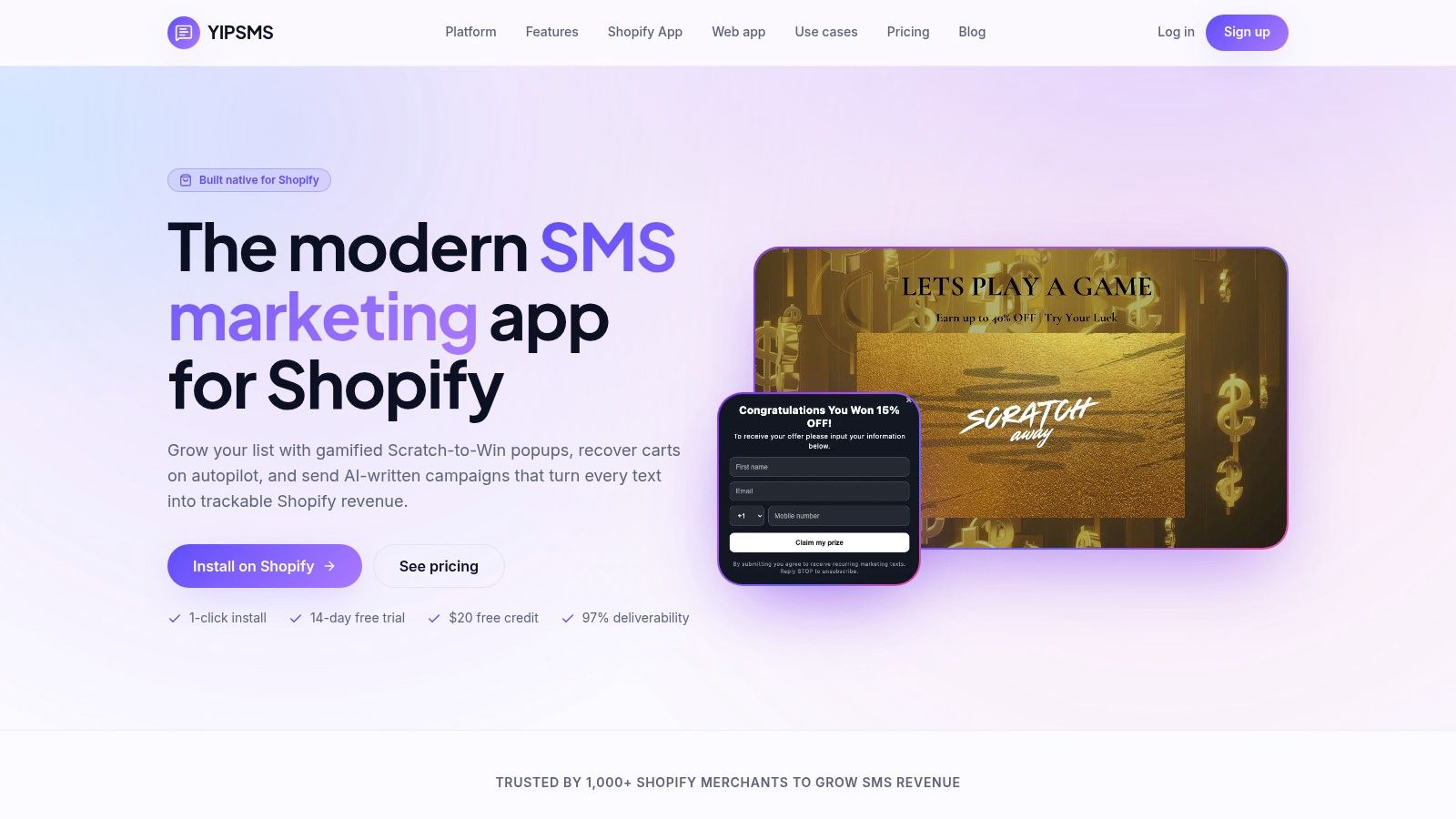
Create a draft in your SMS platform. In YipSMS or a comparable Shopify messaging tool, choose the campaign or automation you want to test. Give the draft a clear internal name so nobody mistakes it for an approved production send.
Use a real message body. Include the brand name, the actual offer or purpose, the destination link, and a clear opt-out instruction such as STOP. Avoid replacing the message with “test test test,” because that won't expose personalization, character encoding, or link behavior.
Select one controlled recipient. Choose a number with documented consent for the relevant use case. Confirm that it isn't also present in a live customer segment, abandoned-cart workflow, or scheduled campaign.
Check the rendered preview. Look for blank merge fields, unexpected spaces, punctuation changes, shortened links, and a sender identity that a customer can recognize. Previewing is useful, but it can't replace delivery to a real handset.
Send one message. A single controlled send makes the result easier to trace and prevents accidental repetition. Record the campaign version, recipient, timestamp, sender route, and returned message identifier if your platform provides one.
For Shopify-specific setup questions, review the YipSMS Shopify integration guide before testing an automation. The important distinction is between testing a drafted message and triggering a real workflow. A cart-recovery test should use a controlled cart and test profile, not a random customer record.
The phone should receive the same content a customer would receive. Check the message in the native app, tap every link, confirm the correct cart or product page opens, and inspect the sender display. If your store serves multiple countries, repeat the process with representative opted-in numbers rather than assuming your own carrier proves global performance.
A visual walkthrough can help new team members follow the process without guessing which audience or draft to select:
Verifying Deliverability and Message Quality
Seeing the message on a handset confirms reception, but it doesn't explain every stage between the Shopify app and the customer. A technically sound test follows the submission through the messaging gateway, carrier route, and delivery receipt.
The cleanest controlled test sends exactly one message to a known handset. Over a TLS-protected SMPP connection, the system binds with valid credentials, submits submit_sm, records the returned message ID, requests a delivery receipt with registered_delivery, and then receives and acknowledges the corresponding deliver_sm receipt. A successful submit_sm_resp proves gateway acceptance, not delivery to the phone. Optus SMPP documentation describes this request path and representative errors such as unknown subscriber, unprovisioned SMS service, and deactivated subscriber.

Read the receipt, then inspect the handset
Correlate the receipt with the returned message ID. Review the terminal status, delivery timestamp, and error code instead of relying on a green campaign dashboard. Keep a pending state until your defined timeout, and account for delayed, duplicate, or out-of-order receipts.
On the handset, verify four practical details:
- The full text appears: Look for truncation, broken accents, altered punctuation, and unexpected extra segments.
- The link works: Tap it from the native messaging app and confirm it reaches the intended cart, checkout, product, or tracking page.
- The sender is recognizable: Check whether the sender ID, shortcode, or long number appears as expected.
- The message fits the market: Test the language, local characters, and formatting used by each destination country.
Teams building broader mobile notification systems can also compare SMS workflows with approaches used to send and receive push notifications. The channels differ, but both require confirmation that the application event, delivery service, device, and user-facing content agree.
If you send marketing traffic from US local numbers, review the applicable registration requirements in the 10DLC registration guide. Registration and delivery testing solve different problems. One establishes that the route is properly configured, while the other checks what the recipient receives.
The Hidden Risks of Informal Test Messaging
“Send it to yourself” is useful for a first visual check, but it isn't a complete QA method. Your phone may be opted in to every subscription type, use the same carrier as your internal team, and bypass the segmentation conditions that affect real shoppers.
The bigger issue is consent. A personal number, an employee number, or a borrowed phone can still receive promotional content without a properly recorded basis. Permission for email or a one-time transactional message doesn't automatically authorize promotional SMS. A private test isn't exempt just because the recipient knows the store owner.
What an informal test can miss
An uncontrolled test often fails to reveal:
- Wrong subscription membership: The number may belong to a broader audience than the campaign allows.
- Suppression errors: A previous STOP event may not be respected across every automation.
- Dynamic-field failures: Your own profile may contain complete data while a customer profile lacks a first name, cart ID, or product value.
- Country-specific behavior: A domestic carrier result says little about an international sender identity or route.
- Automation collisions: A test cart can trigger a real abandoned-checkout flow, creating duplicate messages.
- Reply handling gaps: Seeing an outbound message doesn't prove that STOP or HELP is processed correctly.
For UK campaigns, marketing texts generally require specific consent under PECR. The consent should identify the business and the communication type, use a clear positive action, and avoid pre-ticked boxes, silence, or inactivity as substitutes for consent, as explained in the ICO direct marketing guidance.
The UK soft opt-in has narrow conditions. It can apply to an existing customer or someone who discussed buying, similar products or services, and clear opt-out opportunities during collection and later messages. It doesn't cover prospective customers, purchased lists, or unrelated promotions. An abandoned-cart prospect shouldn't automatically be treated like a previous buyer.
A test recipient should represent the permission, segment, route, language, and automation state you intend to use in production.
Pre-Send Checklist for SMS Campaigns
Use the final check as a release gate. Someone other than the message author should review it when possible, because a second reader often catches a missing brand name or an unintended promotional claim.
- Consent record: Confirm the number opted into the specific SMS category and preserve the consent source.
- Audience control: Exclude internal test numbers from production sends and verify the live segment criteria.
- Message identity: Put the brand name near the beginning so the recipient knows who is contacting them.
- Content quality: Check spelling, personalization, offer conditions, punctuation, links, and any dynamic values.
- Encoding and length: Review character count, language-specific characters, emojis, and expected segmentation.
- Opt-out language: Include a clear STOP instruction and confirm that it matches your reply handling.
- Route readiness: Check sender identity, country requirements, carrier setup, and any applicable registration.
- Delivery evidence: Capture the message ID, submission result, delivery receipt, timestamp, and error status.
- Device review: Open the message on the handset, tap the link, and check the rendered layout.
- Automation safety: Make sure a test cart, checkout, or product view can't trigger an unintended live sequence.
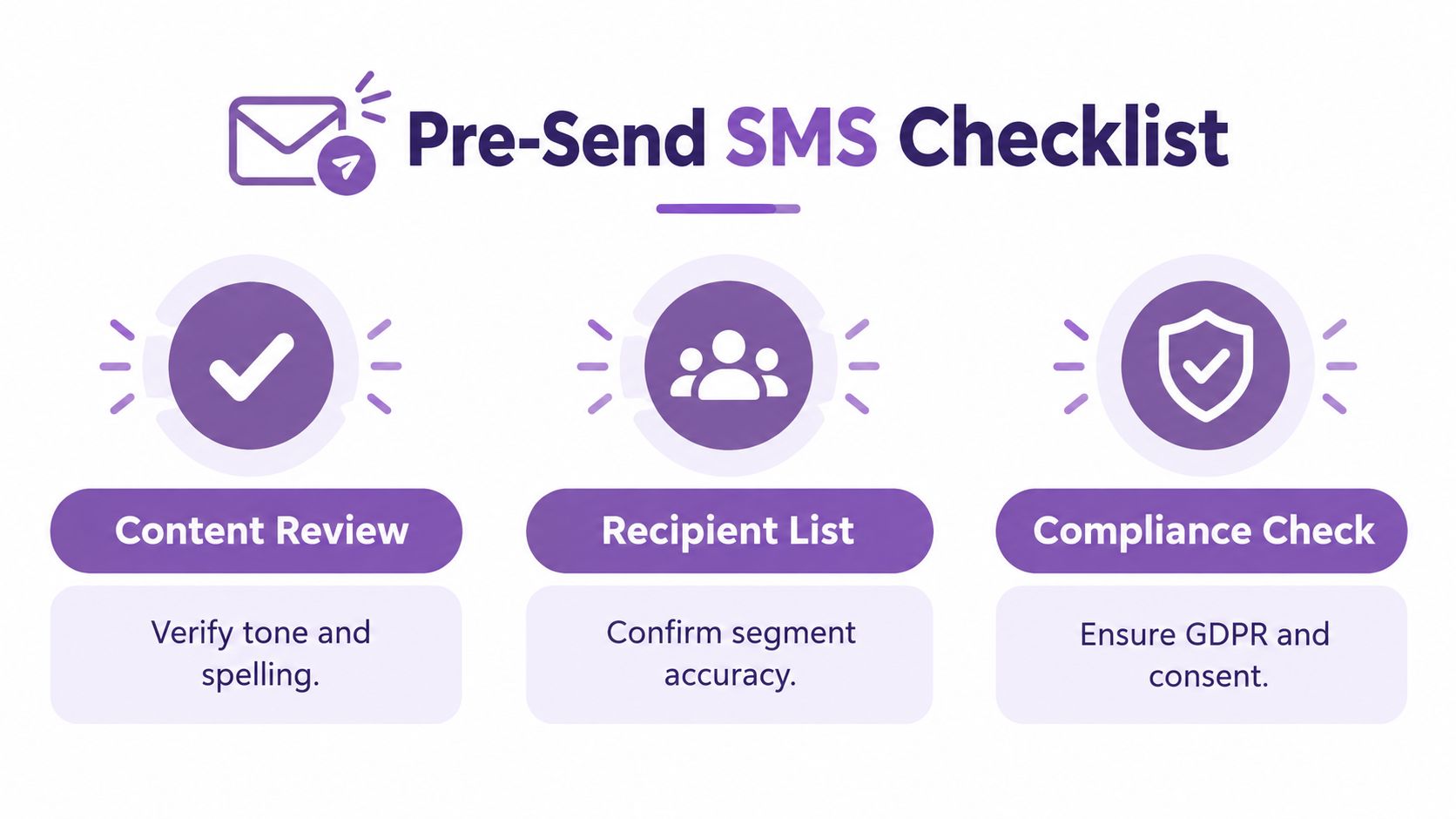
A checklist won't compensate for a missing consent process, but it prevents the common failure of checking creative while ignoring the delivery and suppression systems underneath it.
Testing Reply Handling and Opt-Out Logic
Outbound delivery is only half of SMS QA. A customer can reply, and your system must process that reply reliably. Test the inbound path from an actual handset rather than marking the workflow complete because the original text arrived.
Begin with the message you just delivered. Reply STOP exactly as a customer would. Then verify that the platform records the reply, marks the subscriber as suppressed for the relevant promotional messages, and blocks a subsequent campaign attempt. The suppression event should be durable, visible to the team, and tied to the correct phone number.
Test the reply sequence
- Send STOP from the controlled handset. Use the same number that received the test campaign.
- Check the inbound event. Confirm that the reply reaches the messaging application and is associated with the correct subscriber record.
- Inspect suppression immediately. The number should move out of eligible promotional audiences rather than merely receiving a tag that another workflow might ignore.
- Attempt a follow-up send. Use a controlled draft or test campaign and confirm the suppressed number is blocked.
- Test HELP separately. Verify that the reply produces the expected assistance or information response without re-subscribing the recipient.
- Record the result. Preserve the timestamp, message ID, reply text, suppression status, and any system response.
Two-way messaging requires its own design decisions, including what happens when customers send unexpected replies, ask for support, or use a localized opt-out term. Shopify teams can review the mechanics of two-way text messaging while mapping each reply to a specific subscriber action.
Operational standard: Don't call the test successful until the message arrives, the reply is processed, and a later promotional send is demonstrably blocked.
Building Confidence for Scale with SMS
A serious test gives you more than confidence in a sentence. It proves that your Shopify audience, message content, carrier route, delivery reporting, and reply logic work together before customers see the campaign.
Run the protocol again after changing sender IDs, links, templates, languages, or automation rules. That small discipline protects consent records, reduces preventable delivery failures, and gives your team a repeatable release process for cart recovery, promotions, and post-purchase updates.
YipSMS Inc. provides Shopify merchants with tools to create campaigns, test messages with controlled numbers, manage automations, and review delivery activity before sending to customers. Visit YipSMS Inc. to set up a test workflow and make delivery and compliance checks part of your next SMS launch.
How this article was made: the YIPSMS team drafts some articles with AI writing tools, then checks pricing, compliance and product details against how YIPSMS actually works before publishing. Spotted something wrong? Tell us through your YIPSMS account.