How to Schedule SMS Messages for Shopify
Marketing texts shouldn't be sent between 9 PM and 8 AM in the recipient's local time zone, and most retail SMS programs work within roughly 1 to 2 messages per week. (Shopify's retail SMS guidance defines those quiet hours and cadence expectations.)
You've probably experienced the timing problem firsthand. A promotion sent too early feels intrusive, while the same message sent too late gets buried under everything else on a customer's phone. Add subscribers across several time zones, and a campaign scheduled by your store's clock can reach part of the list at a completely inappropriate moment.
The practical answer is to schedule SMS messages around recipient local time, message intent, and customer behavior. A promotional broadcast, abandoned-cart reminder, and shipping update shouldn't share the same send rule. Shopify merchants who treat them as separate workflows get more control over compliance, relevance, and subscriber trust.
Table of Contents
- Why Scheduling SMS Messages Matters for Shopify Stores
- The Timing Rules You Actually Need to Follow
- When to Send Depends on the Message Goal
- Setting Up Local-Time Scheduling in YipSMS
- Building Recurring and Automated SMS Flows
- Protecting Deliverability and Subscriber Trust
Why Scheduling SMS Messages Matters for Shopify Stores
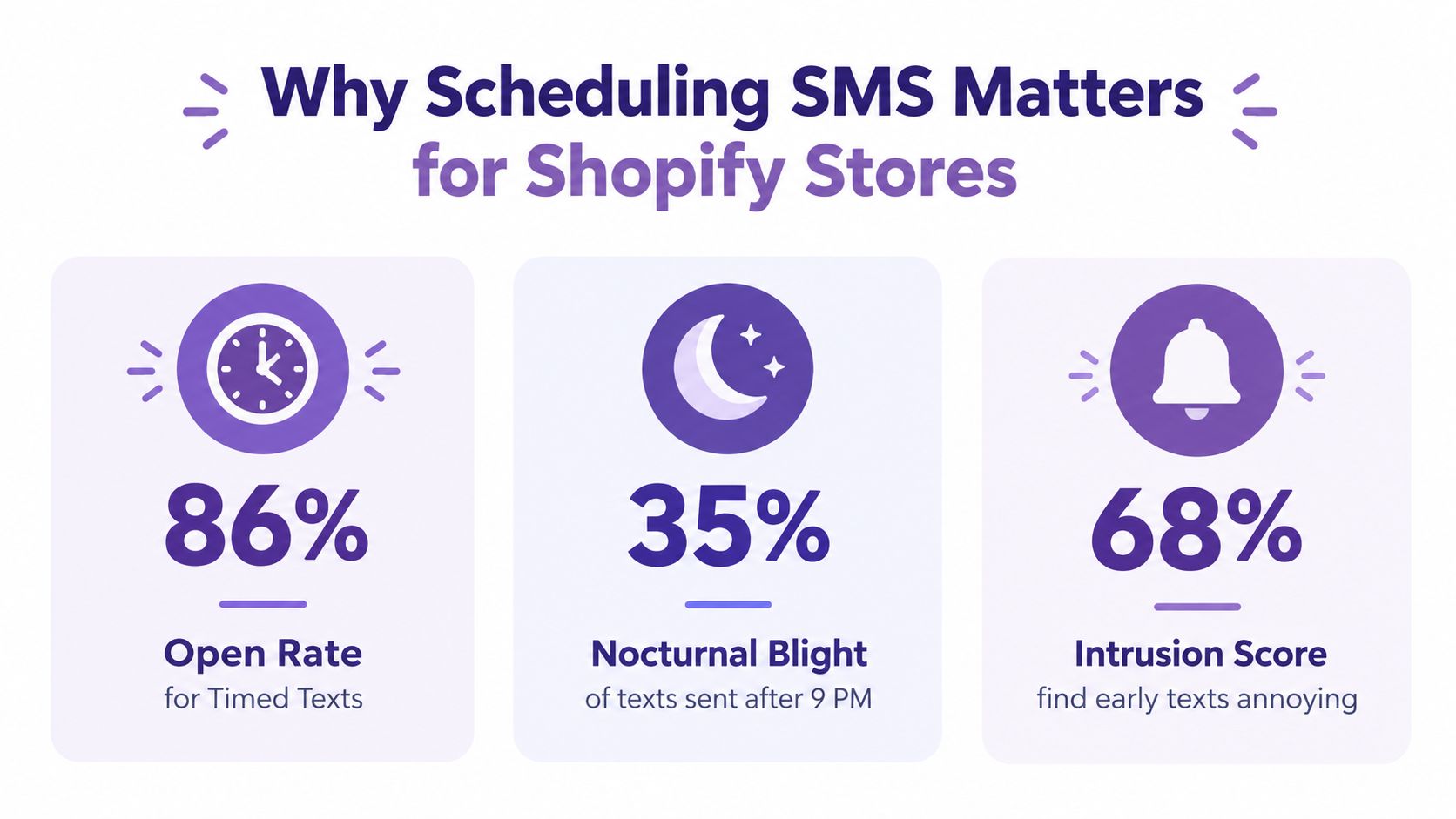
A shipping update sent when the order status changes can reassure a customer. The same timing would make a promotional text feel intrusive, while a cart reminder sent too late may arrive after the purchase decision has passed. Scheduling SMS messages lets Shopify stores match delivery with the customer's situation instead of sending every message according to the store's working hours.
SMS also operates at a scale where timing affects daily campaign management. Global SMS traffic reached 5.7 trillion messages annually in 2023, up 8% from 2022, and daily volume averaged 15.6 billion messages per day in Q4 2023, according to SMS usage data from Gitnux. Businesses sent 1.2 trillion SMS messages annually, while the global SMS market is projected to reach $368.5 billion by 2028 at a 6.2% CAGR, according to the same source.
The operational rule
Check three conditions before publishing a scheduled message:
- Recipient time zone: Deliver according to the customer's local time, not the store's time zone or server clock.
- Message purpose: Set different timing logic for cart recovery, shipping updates, and promotions. A single send hour cannot suit all three.
- Permission and quiet hours: Confirm that recipients opted in and that the delivery window complies with applicable restrictions.
Shopify includes scheduling in its campaign workflow. After creating an SMS campaign, select “Schedule send,” choose the date and time, and verify that the schedule works for each country you target. Shopify's campaign documentation identifies the country-specific restriction.
Scheduling also creates room to review copy before dispatch and prepare campaigns outside peak store activity. It also avoids one global send that reaches some customers while they are asleep, busy, or no longer receptive to the message. Use intent and local time together, then let customer behavior determine whether an automated message should be sent at all.
The Timing Rules You Actually Need to Follow
A single “best time” cannot govern every SMS campaign. One 2026 analysis of 294 million SMS sends identified 8–9 AM, particularly on Fridays, as the strongest conversion window. Another 2026 benchmark across 38 million messages found peak click-through rates for scheduled sends between 5 PM and 8 PM. (Omnisend's comparison of SMS timing data explains why these findings differ.)
The conflict makes sense once you separate the customer's intended action. A morning message may suit a task the customer is ready to complete, while an evening promotion may perform better when shoppers have time to browse. Schedule around intent, not an industry-wide clock.
Use three checks before a campaign enters the queue:
- Recipient time zone: Apply the customer's local time, rather than the store's time zone or server clock.
- Message purpose: Set separate timing logic for cart recovery, shipping updates, and promotions. Their customer contexts are different.
- Permission and quiet hours: Confirm the recipient opted in and keep delivery within the permitted window.
For promotional SMS, 9 PM to 8 AM in the recipient's time zone is the hard boundary defined in Shopify's retail SMS guidance. A send that is appropriate in New York may still arrive too early in California or too late in Europe, so the scheduling system must evaluate each recipient's location.
Shopify's campaign workflow includes a “Schedule send” option. After creating an SMS campaign, select it, choose the date and time, and verify that the schedule meets the restrictions for every country you target. Shopify's campaign documentation identifies those country-specific requirements.
Frequency still needs a ceiling. Use the earlier guidance of 4 to 8 messages per month, or roughly 1 to 2 messages per week, as a starting point for broad promotional lists, then reserve more responsive automation for situations where the customer's behavior justifies it.
Scheduled sends also create time to review copy and check audience logic before dispatch. Compare timing across related channels with the AdManage.ai scheduling guide, while recognizing that SMS reaches a personal device and can prompt an immediate opt-out.
Use this guide to the best time to send text messages as a testing reference. Track delivery, clicks, conversions, and unsubscribes by message goal and customer cohort, then keep the window that produces useful action without weakening subscriber trust.
When to Send Depends on the Message Goal
A Shopify store shouldn't schedule every SMS campaign from the same calendar template. Cart recovery, shipping updates, and promotions represent different customer states, so the right timing follows the expected action.
For an abandoned cart, speed usually matters more than a fixed broadcast window. The customer has recently shown purchase intent, and a reminder that arrives while the product is still familiar can be more relevant than one reserved for the next promotional slot. Industry guidance gives one practical example, a first abandoned-cart SMS 30 minutes to 1 hour after abandonment, followed by another message exactly 24 hours later. (Frizbit's eCommerce SMS automation guidance recommends this behavior-based approach.)
A shipping update follows a different logic. It should be tied to a real order event, such as dispatch or delivery progress, rather than a marketing calendar. The customer wants clarity and reassurance, so the workflow should send when the information becomes useful, while still checking the recipient's local delivery window.
A practical intent matrix
| Message intent | Scheduling priority | What to optimize |
|---|---|---|
| Abandoned cart | Customer action and recency | Recovery clicks and completed checkout |
| Shipping update | Order event and usefulness | Clarity, delivery engagement, and low complaint risk |
| Promotion | Local-time attention window | Click-through, revenue, and list health |
Promotional broadcasts need the most deliberate testing because they reach a wider audience with less immediate intent. The conflicting benchmarks above show why late afternoon or evening may produce stronger click activity for one audience, while morning can produce better conversion for another. Segment by time zone, then compare narrow send windows instead of changing several variables at once.
A good mental model is straightforward: schedule according to the customer action you want, not the hour that sounds popular. Send recovery messages close to the behavior, event notifications when the information matters, and promotions when your audience has demonstrated that it engages. Keep every schedule local to the recipient, since a single store clock can't represent a global list accurately.
Setting Up Local-Time Scheduling in YipSMS
Start by separating your Shopify SMS campaigns into three queues: behavior-triggered recovery, transactional or post-purchase updates, and scheduled promotions. This prevents a planned sale from inheriting the same timing logic as a cart reminder or delivery notice.
For a promotional campaign, create the audience, write the message, and select the scheduling control rather than sending immediately. Confirm that the platform uses subscriber time zones, set a permitted local window, and review the estimated audience before publishing. If your customer data lacks reliable location information, don't assume the store time is safe for everyone.
A repeatable setup process
- Choose the objective. Decide whether the campaign is meant to recover checkout intent, explain an order event, or generate promotion clicks.
- Build the audience. Exclude customers who aren't opted in, and segment by location or behavior where possible.
- Set local delivery logic. Use recipient time zones and block the quiet-hours window before the campaign enters the queue.
- Test the message. Shopify allows merchants to send up to 25 test messages a week before scheduling, according to Shopify's SMS marketing guidance.
- Schedule and monitor. Track delivery, clicks, purchases, and opt-outs after the send. Don't judge the campaign from send volume alone.
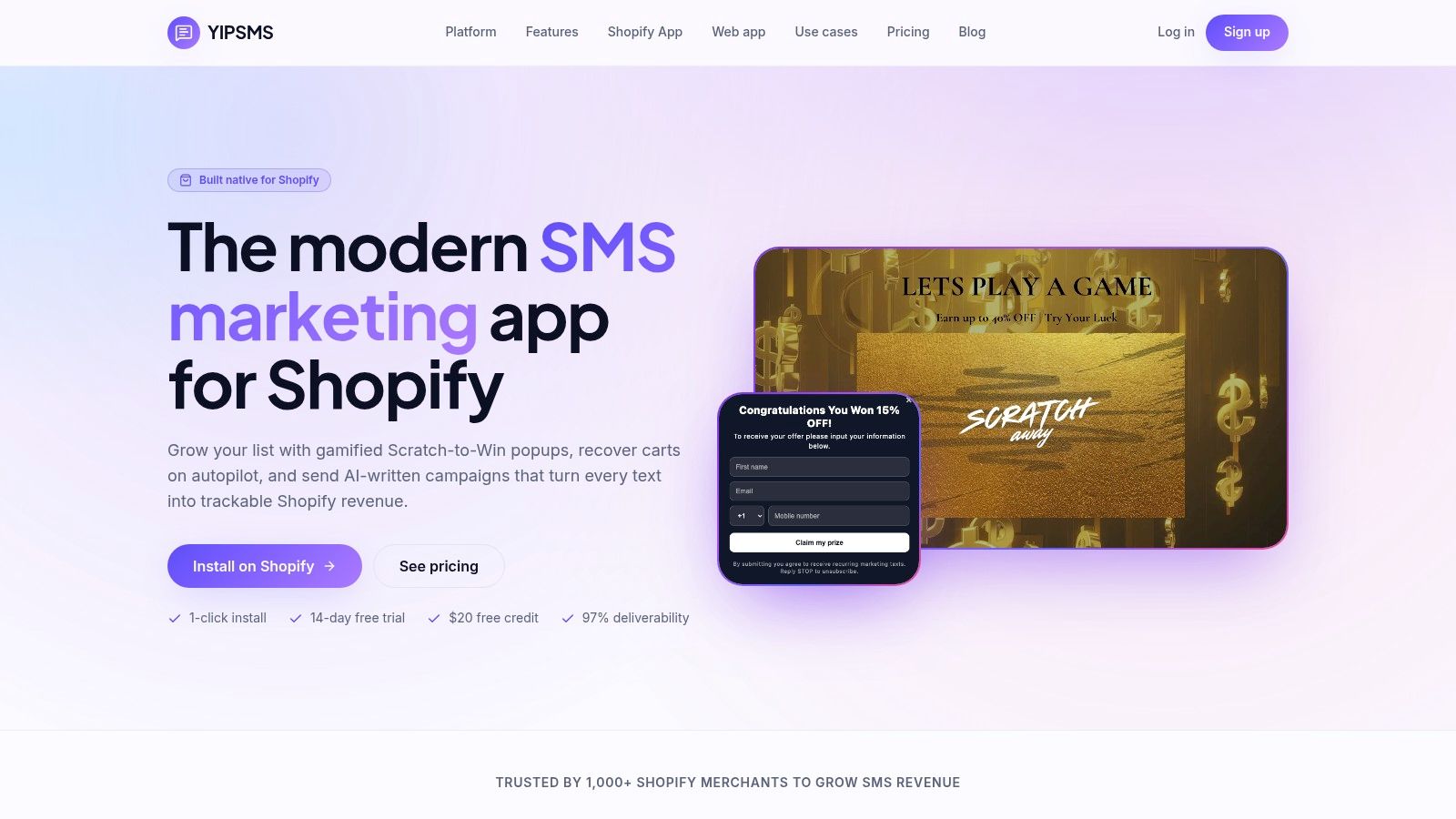
YipSMS Inc. is one option for merchants who want scheduled or instant sends, timezone-aware delivery, and automation flows inside a Shopify-focused SMS workflow. Its setup wizard can help structure the initial configuration, but the important decision remains the schedule logic, not the number of buttons in the interface.
The timing data supports this approach. Recipient-appropriate scheduling produces 20–30% higher engagement than server-time scheduling that ignores location, and promotional windows commonly fall within 10 AM–8 PM local time, with 1–5 PM and 5–8 PM often appearing as high-response periods. (Sakari's SMS timing analysis reports those findings.)
Before a large send, test a narrow band of times with comparable cohorts. The same analysis reports scheduled broadcasts peaking at 5–8 PM with a 28.6% average CTR, while a 5-minute post-action trigger reached about 36% CTR, compared with roughly 9% for scheduled bulk sends. Those figures illustrate the trade-off, behavioral triggers can be more relevant, while scheduled campaigns are easier to plan and coordinate.
Building Recurring and Automated SMS Flows
Recurring SMS should serve a customer event or a clear campaign purpose. A weekly offer needs a defined audience, local send window, frequency cap, and end date. Without those controls, the schedule continues after the promotion, product, or customer interest has changed.
Automation becomes more useful when each flow has explicit entry, suppression, and exit rules. Use the intervals defined earlier for cart recovery, then add conditions that prevent unnecessary messages. Suppress the flow when an order is completed, an opt-out is recorded, a refund changes the customer's status, or another campaign already addresses the same need. Add an approval checkpoint before activating a new promotion, especially when the audience, offer, or wording differs from the previous version.
Build each flow around a customer event
- Cart abandonment: Start with a concise reminder and a direct path back to checkout. Stop the sequence after purchase, opt-out, or a defined recovery window.
- Post-purchase communication: Trigger updates from order status, delivery progress, or product education. Keep promotional messages separate from service notifications.
- Recurring promotion: Set the audience, local send window, frequency cap, and end condition before creating the schedule.
A useful flow also needs a fallback path. If an order is canceled, a product goes out of stock, or a customer enters a new lifecycle segment, pause or reroute the automation instead of sending the original copy. Review the trigger data and message preview before approval, then test the exit condition with a sample customer record.
Consent must exist before promotional automation starts, and every message should give subscribers a clear reason to remain opted in. Keep the copy relevant and avoid late-night or early-morning delivery. Expected messages are easier to tolerate than interruptions that appear unrelated to a customer's recent action.
Teams managing several channels can borrow ideas from automation workflows for social, such as reusable schedules and approval checkpoints. SMS requires tighter controls because a text reaches the recipient directly and can prompt an immediate complaint or unsubscribe.
Use automation for consistency, not volume. The flow should make the right message easier to send, not make more messages inevitable.
Revisit recurring flows when a promotion ends, a product changes, or a customer enters a new lifecycle segment. Keep the customer event as the source of truth, and use the calendar only when it matches the message's purpose.
Protecting Deliverability and Subscriber Trust
A scheduled message can be perfectly timed and still fail if the number is invalid, the recipient has opted out, or the workflow treats every bounce as permanent. Delivery operations deserve the same attention as copy and send time.
Under TCPA-style rules, marketing texts generally can't be sent during quiet hours, commonly 8 PM to 8 AM local time, so scheduling systems need a time-window check before dispatch. Constant Contact's SMS best-practice guidance reports 96.6% campaign deliverability and 92.8% automation deliverability, with an 11.8% bounce rate divided into 6.7% hard bounces and 5.2% soft bounces.
Those figures show why “sent” isn't the same as “received.” Hard bounces generally require suppression, while soft bounces may justify an intelligent retry, depending on the platform and error. Validate numbers before enqueueing, suppress invalid destinations, and monitor delivered messages by campaign type.
Measure the schedule, not just the send
Track each stage separately:
- Delivered: Confirms the message reached the destination successfully.
- Clicked: Shows whether the timing and offer created interest.
- Converted: Connects the SMS to a store action such as checkout or purchase.
- Opted out: Reveals when frequency, relevance, or timing is damaging trust.
Compare those outcomes by recipient time zone, message intent, and customer cohort. A promotion may earn clicks in the evening but create more opt-outs than a quieter afternoon send. A cart flow may convert well shortly after abandonment but lose relevance when the follow-up arrives too late.
Keep broad-list cadence conservative, validate consent, and give subscribers a clear unsubscribe path. Shopify notes that SMS campaigns reach opted-in customers, automatically include the store name and an unsubscribe link, and support test messages before scheduling. For a more detailed compliance review, use the YipSMS TCPA compliance checklist.
The practitioner standard is simple: a good SMS schedule is compliant, local, purposeful, and measurable. It respects the recipient's clock, matches timing to intent, and gives you enough data to reduce weak sends instead of repeating them.
YipSMS Inc. helps Shopify merchants create SMS campaigns, schedule local-time sends, and automate cart abandonment, viewed-product follow-ups, shipping updates, and delivery notifications. Visit YipSMS Inc. to review the Shopify workflow and start building a more predictable SMS schedule.
How this article was made: the YIPSMS team drafts some articles with AI writing tools, then checks pricing, compliance and product details against how YIPSMS actually works before publishing. Spotted something wrong? Tell us through your YIPSMS account.