8 Examples of Brand Messages That Drive Sales
At a glance
8 examples of brand messages across promo, transactional, and retention flows, plus the tone, timing, and CTA notes your Shopify SMS plan needs.
You send a 25%-off blast to everyone on your SMS list. Orders arrive, the dashboard looks encouraging, and then hundreds of subscribers leave that same afternoon. In this scenario, the store bought a short revenue spike by giving every shopper the same reason to buy, whether they needed it or not.
The better alternative isn't a cleverer discount code. It's a set of messages that each do one job: promote, inform, or retain. A shopper who abandoned checkout needs a route back to their cart. Someone waiting for a parcel needs accurate tracking, not another sale announcement.
These examples of brand messages turn a consistent brand promise into practical SMS campaigns. For a skincare store built around simplicity, that promise might appear as an easy checkout reminder, a clear delivery update, or a timely refill prompt. The voice stays recognizable, but the message changes with the customer's situation.
Before scheduling anything, answer three questions:
- Trigger: What did the shopper do that makes this message relevant?
- Timing: When will the information or offer be useful?
- Action: What's the single next step?
Treat the send windows below as starting configurations to test, not universal performance benchmarks. Apply consent requirements, local sending restrictions, and customer time zones before switching a flow on.
Table of Contents
- 1. Abandoned Cart Recovery Text
- 2. Welcome Series with Signup Incentive
- 3. Browse Abandonment and Viewed Product Follow-Up
- 4. Order Confirmation and Shipping Notifications
- 5. Back-in-Stock Alert
- 6. Post-Purchase Review and Feedback Request
- 7. Replenishment and Win-Back Reminder
- 8. Flash Sale or VIP Early Access Broadcast
- How the Eight Brand Messages Compare by Job, Timing, and CTA
- Build These Eight Messages into One Working System
1. Abandoned Cart Recovery Text
An abandoned cart is unfinished business, not an automatic request for a discount. Start by making checkout easy to resume, particularly when a shopper has already selected a size, color, or bundle.
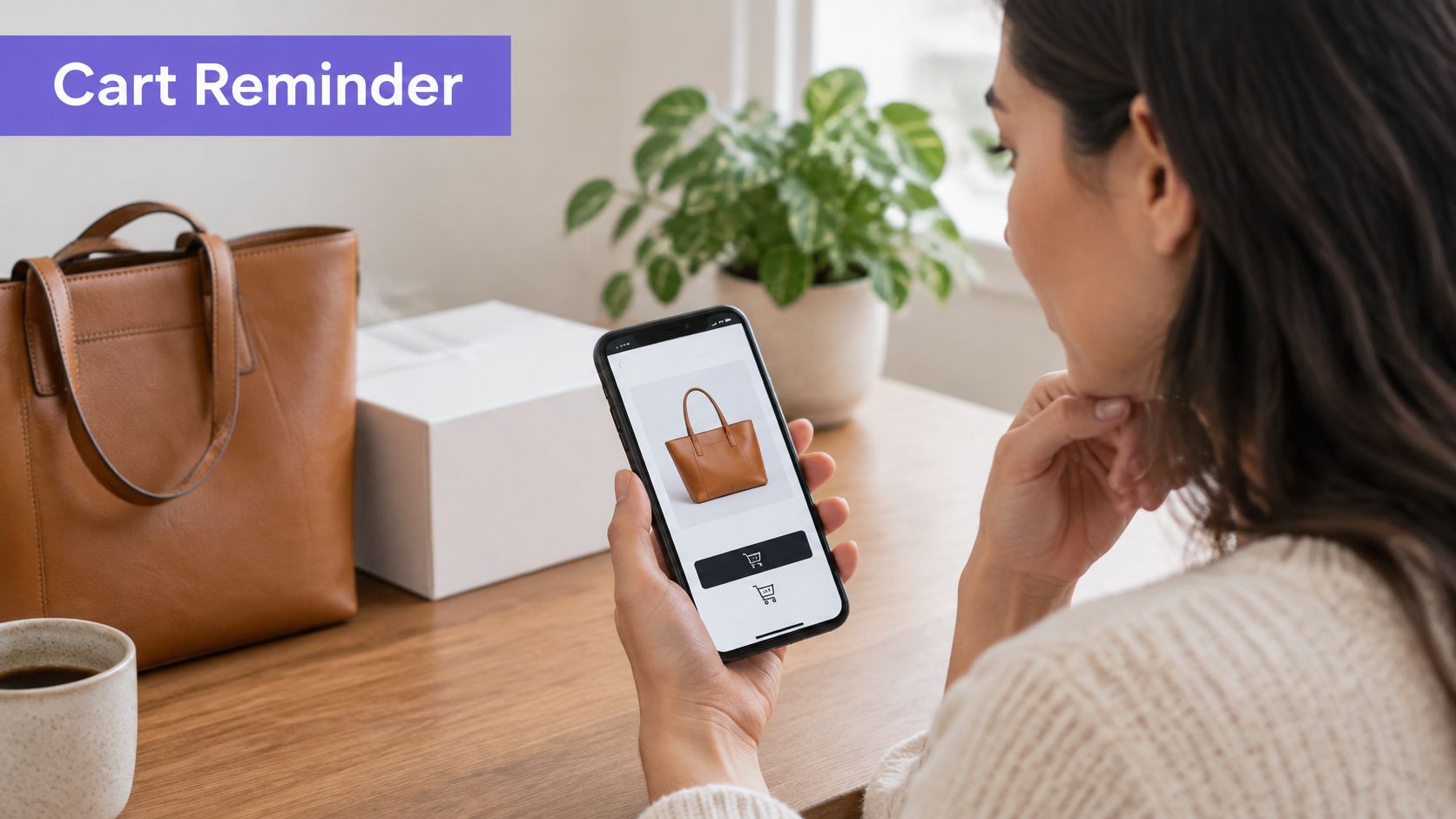
- Job: Promotional, recover an incomplete purchase.
- Trigger and send window: Start with a reminder one hour after abandonment, then test a follow-up around twenty-four hours later.
- Tone register: Helpful, calm, and specific.
- CTA line: Return to your cart: {cart_link}
Remove Friction Before Offering Money
For a leather-goods store, the initial copy can be straightforward:
{brand_name}: Your {product_name} is still in your cart. Pick up where you left off: {cart_link} Reply STOP to opt out.
Name the product, but don't pretend you've reserved it unless your inventory system does. Likewise, a cart-expiration warning belongs only in a flow with a genuine expiration.
Margin rule: Test whether a reminder converts before paying the customer to finish an order they already intended to place.
Keep the initial message compact. Aim below 160 characters where practical, but preview the rendered message because personalization, encoding, links, and opt-out text affect segmentation.
Capture marketing consent through a clear, optional checkout checkbox, then suppress purchasers before every scheduled follow-up. The Shopify SMS app setup guide is a practical starting point for connecting store activity to your messaging setup.
Build today: Activate a reminder without an incentive, verify the restored cart on mobile, and add a purchase-exclusion condition before testing a discount follow-up.
2. Welcome Series with Signup Incentive
A welcome text has a simple obligation: deliver what the signup form promised. If the popup offered a first-order incentive, don't make the subscriber hunt through a collection page to find it.

Job: Promotional. Trigger: Confirmed marketing opt-in. Send window: Within seconds of consent, subject to applicable sending restrictions. Tone register: Welcoming and explicit. CTA line: Shop your first order: {shop_link}
Welcome to {brand_name}! Take 15% off your first order with WELCOME15. Shop: {shop_link} Msg frequency varies. Reply STOP to opt out, HELP for help.
Make the Signup Promise Match the Text
Place the brand identity, promotional-message disclosure, frequency information, message-and-data-rate notice, and STOP/HELP instructions beside the signup field. Make purchasing possible without joining the marketing list.
For U.S. campaigns, the CTIA Messaging Principles and Best Practices recommends consent for messaging generally and express written consent specifically for marketing messages. A phone number entered for delivery isn't a substitute.
Use the TCPA compliance checklist when reviewing the signup experience, while checking requirements that apply to your location and program.
For a new apparel subscriber, follow the incentive with a fit guide or bestseller introduction over the following week. Don't immediately repeat the same offer.
Build today: Connect the signup form to a welcome message, test the code at checkout, and track code redemption alongside first-order margin. Compare incentive strengths rather than assuming the largest discount attracts the best customers.
3. Browse Abandonment and Viewed Product Follow-Up
Someone who looked at a sofa hasn't made the same commitment as someone who started checkout. Browse abandonment needs a lighter touch, especially when customers are comparing dimensions, materials, or delivery options.
- Job: Promotional, help a shopper evaluate a product.
- Trigger and send window: A recognized, consented subscriber views a product without adding it to their cart. Test a send six hours later.
- Tone register: Consultative rather than watchful.
- CTA line: Explore the details: {product_link}
{brand_name}: Still considering {product_name}? Its removable covers make everyday cleanup simpler. Explore the details: {product_link} Reply STOP to opt out.
Only use that feature if the product has removable covers. A concrete buying consideration is more useful than unsupported urgency.
Personalize the Help, Not the Surveillance
Skip wording that announces exactly when or how often someone browsed. In Twilio's 2025 State of Customer Engagement findings, only 15% of consumers strongly trusted brands with their data, a useful reason to keep behavioral references restrained.
Useful personalization answers a shopping question. Intrusive personalization demonstrates how closely you tracked the shopper.
Start with a single follow-up per browsing episode and a weekly cap. If the shopper adds the item to their cart, stop the browse flow and let cart recovery take over.
Measure browse-to-purchase performance separately from cart recovery, and use a holdout group where practical. Otherwise, you may credit the text for purchases customers would've made anyway.
Build today: Choose a higher-consideration product, write a feature-led reminder, and exclude recent purchasers, active carts, and unavailable variants before scheduling it.
4. Order Confirmation and Shipping Notifications
{brand_name}: Thanks, {first_name}! Order #{order_number} is confirmed. View your order: {order_link}
That's enough for a confirmation. A customer who has just paid needs certainty about the order, not a second sales pitch disguised as service.
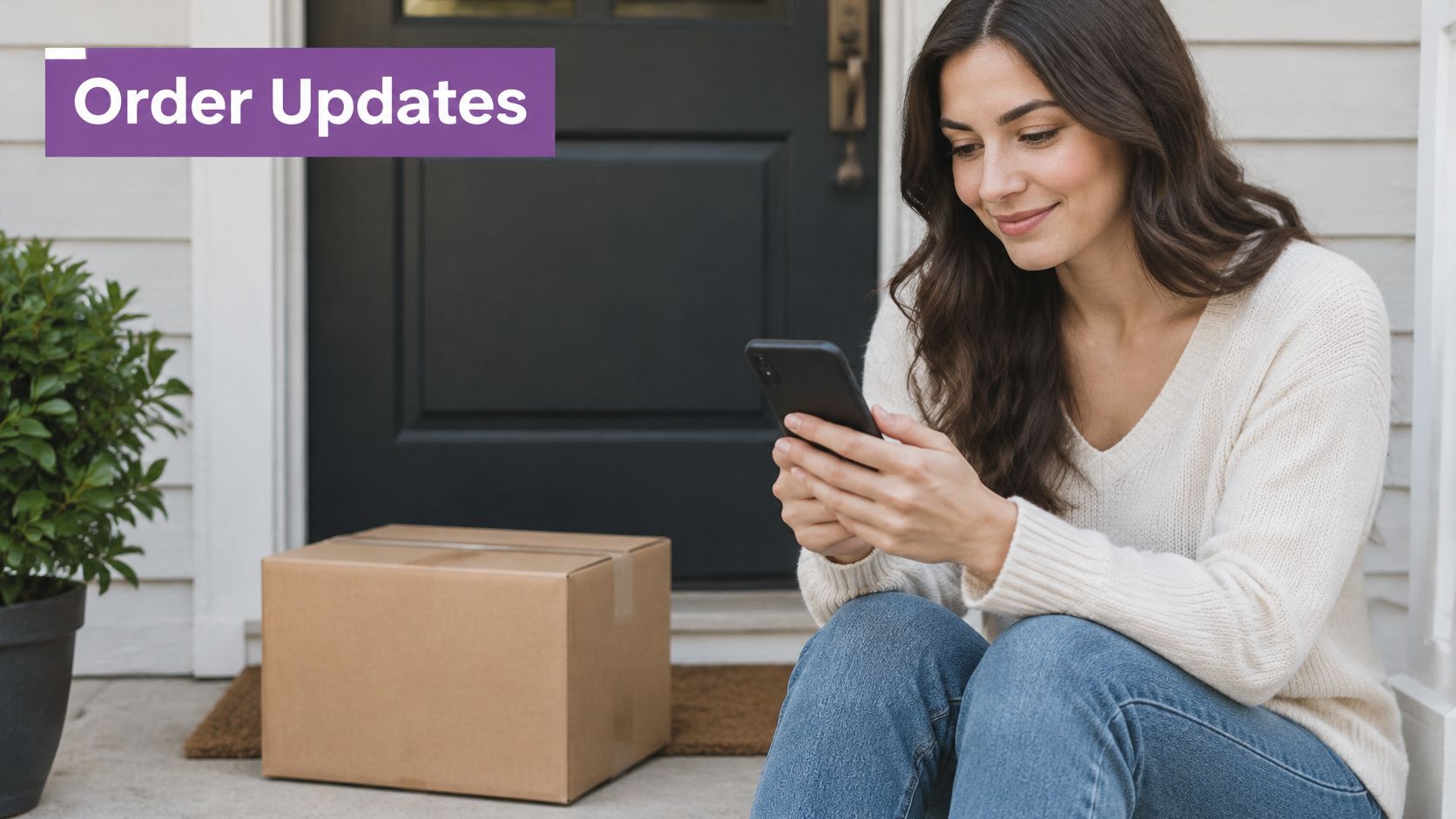
Job: Transactional. Trigger: A verified order or fulfillment event. Send window: Immediately after confirmation or the relevant carrier update, within applicable requirements. Tone register: Factual and reassuring. CTA line: Track your order: {tracking_link}
Let Store Events Control the Send
Build notifications from actual order events, not a delay that assumes fulfillment has happened. A label-created event shouldn't automatically become a message saying the parcel is moving.
For a shipped notification, use:
{brand_name}: Order #{order_number} has shipped with {carrier}. Estimated delivery: {delivery_date}. Track your order: {tracking_link}
- Validate fields: Check order numbers, carrier names, tracking destinations, and estimated dates before launch.
- Choose useful milestones: Start with confirmed, shipped, and delivered rather than every warehouse scan.
- Separate promotion: Keep cross-sells out of service messages unless you've established the appropriate consent and classification.
A delivery notice isn't the right moment to demand a product review. Let the customer open and use the purchase first, then send a separate feedback request.
For a skincare store, calm, accurate updates reinforce the same simplicity promised on the product page. Build today: Trigger a test order through fulfillment and delivery, inspect every rendered field, and switch on only the milestones your team can reliably support.
5. Back-in-Stock Alert
A back-in-stock request gives you a particularly clear reason to text: the shopper asked about a specific unavailable item. Respect that specificity instead of turning the alert into a general collection promotion.
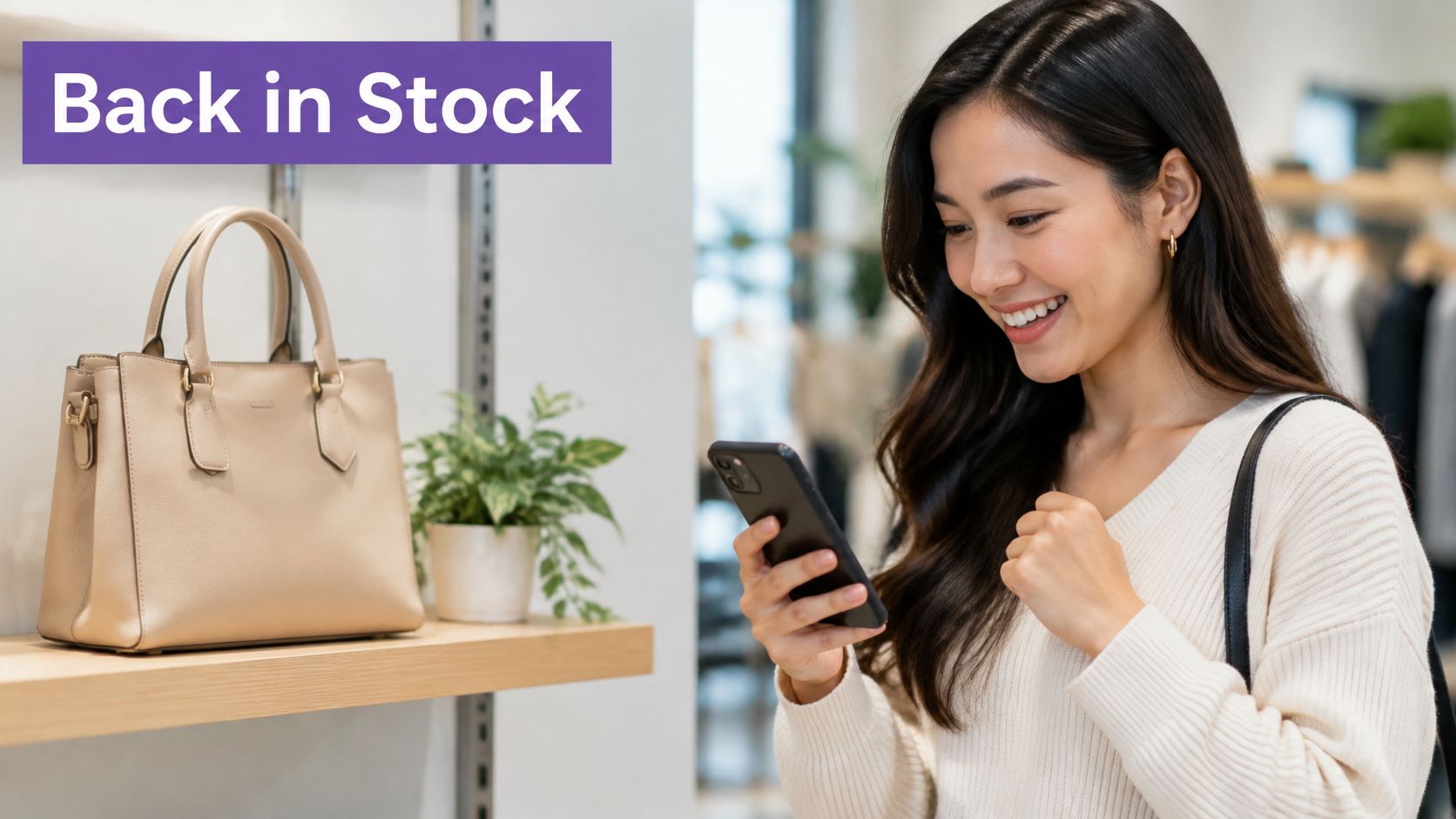
- Job: Promotional, fulfill a product-availability request.
- Trigger and send window: The requested variant becomes sellable. Queue the alert within minutes, subject to permitted local sending times.
- Tone register: Upbeat, precise, and useful.
- CTA line: Shop your size: {product_link}
{brand_name}: The {product_name} in {size}, {color} you requested is available again. Shop your size: {product_link} Reply STOP to opt out.
Match the Alert to the Variant
A handbag shopper waiting for tan leather shouldn't receive an alert because the black version returned. Capture size and color at the notification button, then pass that exact variant into the message and destination page.
Personalization should solve a practical problem. Attentive's 2025 consumer trends report highlights states that 81% of consumers ignore irrelevant marketing messages, which makes accurate inventory matching more important than adding a first name.
If stock is scarce, consider sending alerts in batches so shoppers don't all reach a sold-out page. Use scarcity language only when current inventory supports it.
Remove purchasers from pending reminders and stop the flow if the variant becomes unavailable again. Share frequently requested variants with your buying team, but distinguish requests from completed purchases.
Build today: Add a variant-specific notification form to a sold-out bestseller, confirm that consent covers the alert, and test the restock event against live sellable inventory.
6. Post-Purchase Review and Feedback Request
Ask about the product after the customer has had a fair chance to use it. A coffee buyer can evaluate a purchase sooner than someone testing a skincare routine or assembling garden furniture.
Job: Retention. Trigger: Confirmed delivery followed by a product-appropriate usage delay. Send window: Start with five to ten days after delivery for ordinary physical goods, then adjust by category. Tone register: Curious and appreciative. CTA line: Share your experience: {review_link}
{brand_name}: Hi {first_name}, how are you liking your {product_name}? Share your experience: {review_link} Reply STOP to opt out.
Ask for Honest Feedback
Keep the request to a single question and a direct review destination. Don't make the customer search their order history or choose the product again if your review integration can preselect it.
In Nielsen's historical global advertising-trust study, 70% of respondents trusted online consumer reviews, according to Nielsen's Global Trust in Advertising findings. That's a reason to collect authentic customer experiences, not manufacture favorable ones.
Trust boundary: Offer support when customers report a problem, but don't make public review access depend on whether their feedback is positive.
Route replies about broken items, sizing problems, or missing parts to a monitored support workflow. Don't offer a reward only for positive reviews, and check review-platform requirements before using any incentive.
For a footwear store, feedback about narrow sizing may be useful for both product-page guidance and future customer messages. Build today: Schedule the request from the delivery event, test the review form on mobile, and assign someone to handle dissatisfied replies.
7. Replenishment and Win-Back Reminder
Replenishment and win-back both support retention, but they shouldn't share the same clock. One anticipates a practical need; the other asks whether a customer still wants to hear from you.
- Job: Retention, encourage a relevant repeat purchase.
- Trigger and send window: Send replenishment shortly before the product's observed reorder interval. Schedule win-back after the customer's normal purchase cycle has passed.
- Tone register: Useful for replenishment, warm and low-pressure for win-back.
- CTA line: Reorder your usual: {reorder_link}
{brand_name}: Ready for your next bag of {product_name}? Reorder your usual: {reorder_link} Reply STOP to opt out.
Calculate the Window by Product
For a coffee store, calculate days between repeat purchases for the same bag size rather than using the storewide average. Account for quantity, subscriptions, and recent orders so you don't prompt someone who already restocked.
For win-back, change the message rather than pretending to know the customer's supply:
{brand_name}: It's been a while. Explore what's new in {preferred_category}: {collection_link} Reply STOP to opt out.
Knorr's German campaign reframed cooking from stress into enjoyment, as described in the Knorr, LiveRamp, and REWE case study. Apply that distinction carefully: a refill text can emphasize an easier morning rather than merely announce another bag of coffee.
Test a convenience-led message against an incentive-led version. Compare repeat-purchase margin, not just attributed revenue, and reduce frequency after repeated unanswered win-back attempts.
Build today: Export repeat orders for a consumable bestseller, calculate its reorder interval, and schedule a reminder before that point with recent purchasers excluded.
8. Flash Sale or VIP Early Access Broadcast
A broadcast deserves a place in the calendar when there's something to announce. A collection launch, a real deadline, or meaningful VIP access gives subscribers a reason to pay attention.
Job: Promotional. Trigger: A scheduled sale or collection release. Send window: Test late morning in each recipient's time zone, within applicable sending rules; begin VIP access two hours before public launch. Tone register: Energetic but specific. CTA line: Shop early access: {vip_link}
{brand_name}: VIP early access is open. Shop {collection_name} before the public launch at {launch_time}: {vip_link} Reply STOP to opt out.
Make Urgency Verifiable
State the deadline and time zone clearly. If the campaign promises twenty-four-hour pricing, restore ordinary pricing when that window closes rather than repeatedly extending the supposed final chance.
For more campaign variations, use these SMS marketing ideas for retail to develop offers around actual merchandising events.
Use this video as an additional campaign-planning resource.
Start with engaged subscribers or customers who bought the relevant category. Exclude shoppers who recently received another promotional flow, and give VIPs an advantage the public doesn't have.
Keep the copy focused on a recognizable promise and a specific action. Don't try to fit a brand manifesto, multiple collections, and competing discount codes into the same text.
Build today: Schedule a segmented early-access campaign, verify the destination and pricing, and set a post-send review comparing revenue per message with unsubscribe rate.
How the Eight Brand Messages Compare by Job, Timing, and CTA
| Message | Primary job | Typical send window | Tone register | Main call to action |
|---|---|---|---|---|
| Abandoned Cart Recovery Text | Recover a cart purchase | Within 1–4 hours, with follow-ups over 24–48 hours | Helpful and gently persuasive | Return to the cart |
| Welcome Series with Signup Incentive | Confirm signup and encourage a first purchase | Immediately after opt-in | Warm and welcoming | Use the welcome offer to shop |
| Browse Abandonment and Viewed Product Follow-Up | Bring viewed products back to a shopper's attention | Several hours after a product view | Informational and low-pressure | View the product or related items |
| Order Confirmation and Shipping Notifications | Confirm orders and share fulfillment updates | At order placement and key shipping milestones | Clear and reassuring | View order details or track the shipment |
| Back-in-Stock Alert | Notify interested shoppers that an item is available again | Within minutes of restock | Timely and specific | Buy the restocked item |
| Post-Purchase Review and Feedback Request | Collect a review or customer feedback | 5–10 days after delivery | Appreciative and conversational | Leave a review |
| Replenishment and Win-Back Reminder | Encourage a reorder or re-engage a lapsed customer | Before the expected reorder, or after a period of inactivity | Personal and relevant | Reorder or explore what's new |
| Flash Sale or VIP Early Access Broadcast | Drive sales for a promotion or launch | Around the sale or launch window | Urgent but credible | Shop the sale or access the launch |
Build These Eight Messages into One Working System
Start with the demand you've already paid to attract. Switch on cart recovery, then browse follow-up, with clear exclusions so the same shopper doesn't receive overlapping reminders. Test checkout restoration and product destinations before adding incentives.
Next, connect order confirmation, shipping, and delivery events. Transactional messages need accurate store information more than inventive copy, so involve whoever manages fulfillment and customer support. Confirm that promotional consent isn't being confused with permission to receive order updates.
Add Retention Before Increasing Broadcasts
Build the review request around actual delivery and reasonable usage time. Add replenishment once you understand product-level reorder behavior, then create a restrained win-back flow for customers who fall outside their usual cycle.
Keep the welcome flow connected to every active signup form. A subscriber shouldn't receive an abandonment reminder before getting the incentive or expectations promised at signup. Back-in-stock alerts should remain tied to the exact requested variant.
Only then add broadcasts at a cadence your merchandising calendar can support. You don't need a sale just because there's an empty space in the schedule.
- Measure revenue per message sent: Use the same attribution approach across comparable promotional flows, and distinguish message-level revenue from incremental lift.
- Track unsubscribe rate per flow: Investigate whether rising opt-outs follow irrelevant products, excessive frequency, misleading urgency, or poorly timed sends.
- Protect margin: Test offer strength before increasing discounts, including a no-discount version where appropriate.
- Review service messages differently: Judge transactional texts by delivery accuracy, useful information, and support outcomes rather than immediate sales.
Prebuilt automations can let a store configure the whole set in an afternoon, provided consent, integrations, inventory events, and message registration are ready. Configuration isn't the same as readiness to send: place test orders, follow every destination, and check suppression rules before enabling customer traffic.
Keep a simple flow record with its trigger, delay, audience exclusions, CTA, and owner. That gives your team somewhere to resolve conflicts when a shopper qualifies for a replenishment reminder, a restock alert, and a broadcast at once.
Before any text goes live, apply the same rule: one job, one CTA, one clear reason the shopper is receiving it now. Test offer strength early to protect margin as list quality grows, and keep the versions that earn purchases without exhausting subscribers.
We offer prebuilt automations, scheduled campaigns, personalization, and real-time analytics to help stores put these brand messages into practice. Visit YipSMS Inc. to connect your Shopify store, configure your first flow, and test the customer journey before sending it to subscribers.
Links referenced in this article
YIPSMS publishes educational articles, including AI-assisted content supplied through Outrank. Our internal team reviews Outrank articles for accuracy before publication. Pricing and requirements can change; check current YIPSMS pricing and official guidance before acting. Compliance content is general information, not legal advice. Spotted something wrong? Tell us through your YIPSMS account.